Tutorials
Learn the whole product in 13 minutes.
Five real screen recordings, one per step, made by using Avartan on our own brand. Long AI generations are sped up on screen with a badge saying so. No account needed to watch.
Avartan in 73 seconds
1:13 · captions, no audio
1Tutorial 1 of 5 2:37
Teach Avartan your brand
Identity, logo, content angles, tone rules, visual world, caption style, post defaults and niches. Fix anything that reads wrong; everything downstream inherits it.
What you'll see
- Paste your website URL. The crawler reads your homepage, sitemap, OG tags and JSON-LD.
- Content angles are the recurring story frames Avartan writes from.
- Tone rules are hard constraints injected into every prompt.
- The visual world stages every image and clip, so a SaaS brand never gets a fashion runway by accident.
- Caption font, size, position and background are all adjustable, and you can still override per post.
- Niches are the lanes trends are pulled from. The remix ratio sets trend-led versus evergreen.
2Tutorial 2 of 5 4:12
Turn a trend into a finished post
Trends is a live feed of short-form posts that already work in your niches. Break it down shows the hook structure and why it works; Remix carries that structure into Studio, where copy, images, caption and voiceover come out on brand.
What you'll see
- Only posts above a viral floor make it in, balanced across TikTok, Instagram and YouTube.
- Break it down shows the hook structure, why it works, and the original embedded natively.
- Pick a format: slideshow, wall of text or talking head. 2 credits writes every slide and the caption.
- Paint every empty slide renders an image per slide, staged in your visual world.
- Live preview plays the post exactly as your audience will see it.
- Optional voiceover in one of fourteen voices, or an 8-second vertical AI clip.
3Tutorial 3 of 5 1:41
Loop: the ten-second daily habit
Loop is for days you don't want to open Studio. Avartan reads your brand profile and today's live trends, then deals six complete drafts: scripts, captions, painted covers. Keep, skip, schedule, or open one in Studio.
What you'll see
- One deal: six scripts, six captions, six painted covers.
- Each card shows the angle it came from, the hook, the caption, hashtags, and why it lands.
- You can always see which real post it was modelled on, and open the original.
- Save draft sends it to your Library. Schedule drops it straight onto the calendar.
4Tutorial 4 of 5 1:57
Describe it, then Make it
Describe it is the conversational way in. Paste a product link if you have one, get a format, a one-line brief and the exact credit cost up front, then hand it to Studio's Auto mode and review the result.
What you'll see
- Start a new conversation for each post idea; earlier ones stay in the rail.
- Format, a one-line brief, and the exact credit cost before committing.
- Make it hands the plan to Auto: it picks the look, writes the copy and paints every image.
- The Auto run report ticks off every step, so you can see what was made and what it cost.
5Tutorial 5 of 5 2:38
Plan, schedule and publish
Everything you make lands in the Library. Drop drafts onto the calendar, publish to TikTok through the official API, read the numbers back in Analytics, and set a rolling plan in Automations.
What you'll see
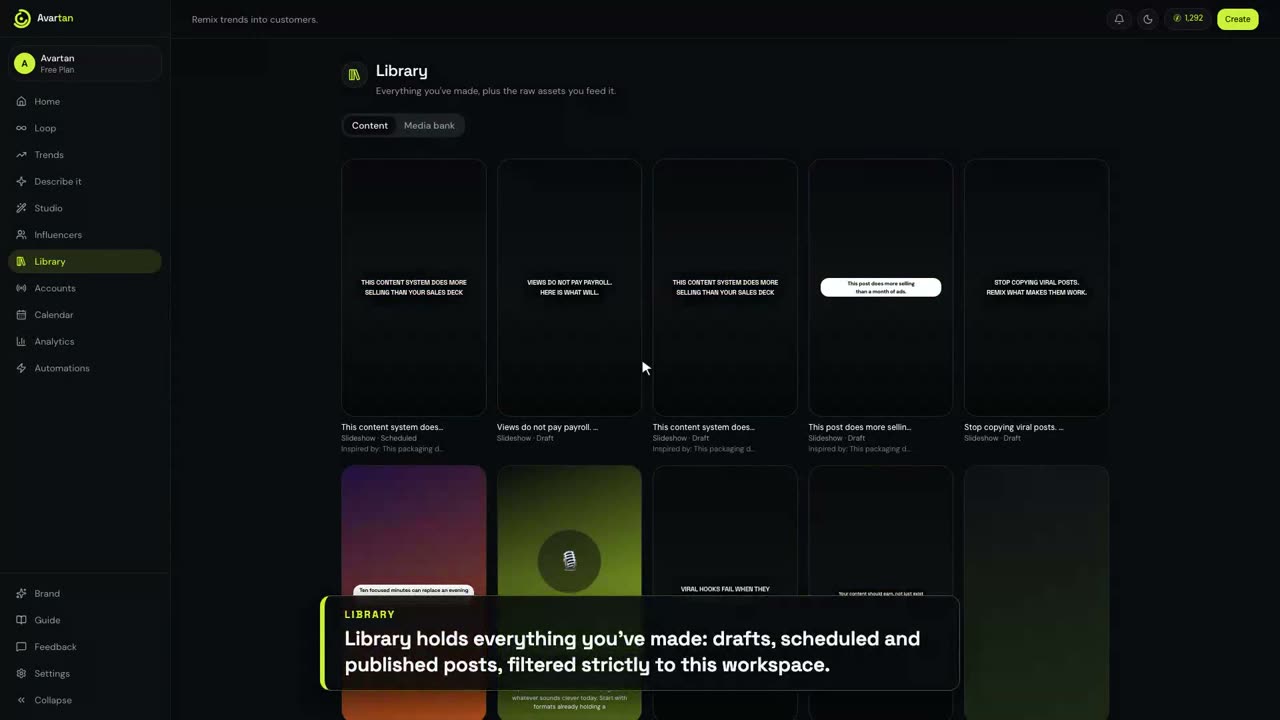
- Library holds drafts, scheduled and published posts; every remix keeps a link to its trend.
- TikTok connects through the official Login Kit and Content Posting API. Tokens never touch the browser.
- The calendar is your schedule and delivery status on one grid, including the exact provider error if a post fails.
- Analytics pulls views, likes, comments and shares back from each connected account.
- Automations is a rolling plan: posts per day, time slots, formats, trend mix. Leave auto-approve off to review every post.
- Credits are budgeted per brand workspace; every debit is in the ledger.
In the customer's shoes
A Shopify boutique, from website to product post.
Tutorials 01 to 05 use our own brand. These two flip the camera: Orbit Trends, a real fashion boutique, signs up as a new workspace and turns one product link into a finished post with the actual coat in the frame.
1Showcase 1 of 2 4:08
A boutique adds its brand. Avartan reads the rest.
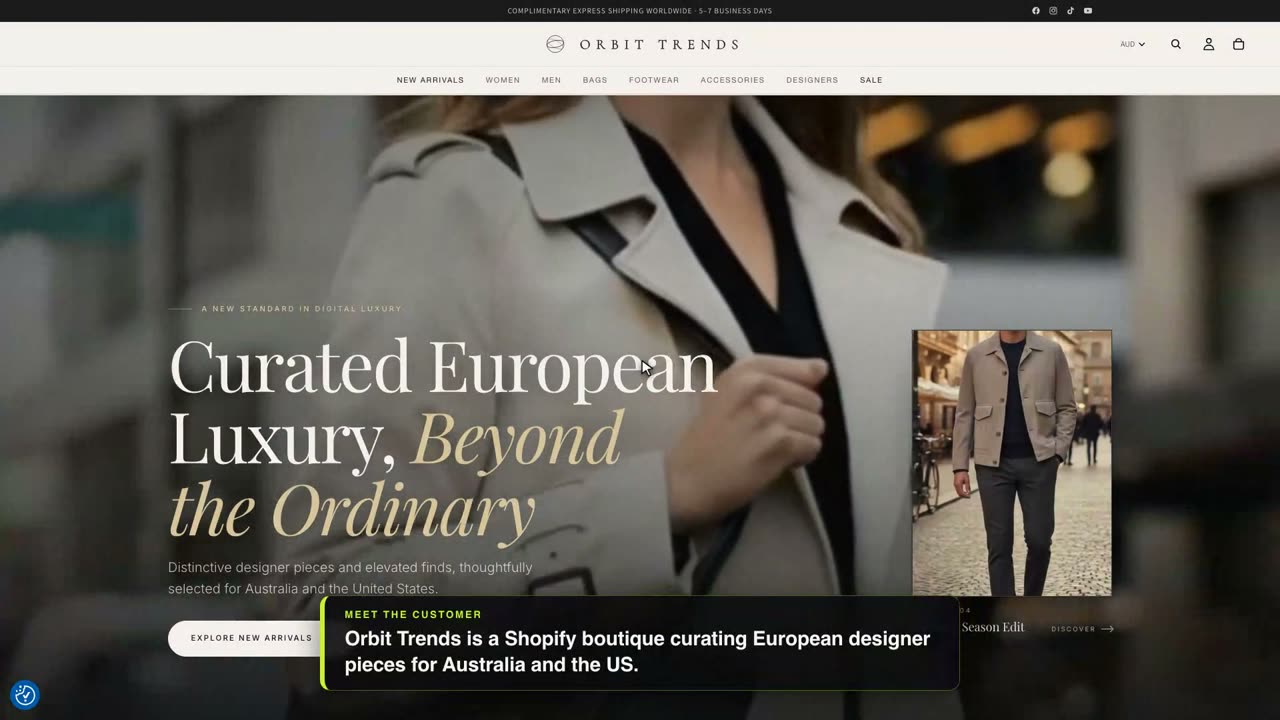
Orbit Trends curates European designer pieces for Australia and the US. The camera follows what they would do in their first hour: one account, many brands; credits moved from the pool; onboarding reads seven pages in about twenty seconds; the Brand page fills itself, down to the logo lifted from the site and the coat photographed from every angle.
What you'll see
- Each brand gets its own workspace: brand profile, content, accounts and a credit budget.
- The website is already in, so Avartan starts reading straight away: homepage, collections, fonts, logo.
- Brand name, who you are and what you sell, in the store's own voice.
- Niches picked from the site, so a boutique never gets a fitness feed.
- Your logo, lifted straight from the site. Switch it on as a corner watermark or a final frame.
- Point it at a product page or a whole collection and Avartan grabs the real product photos.
- Every image is staged in your world: marble showroom, European atelier, Milanese courtyard.
2Showcase 2 of 2 2:45
One product link. One finished post.
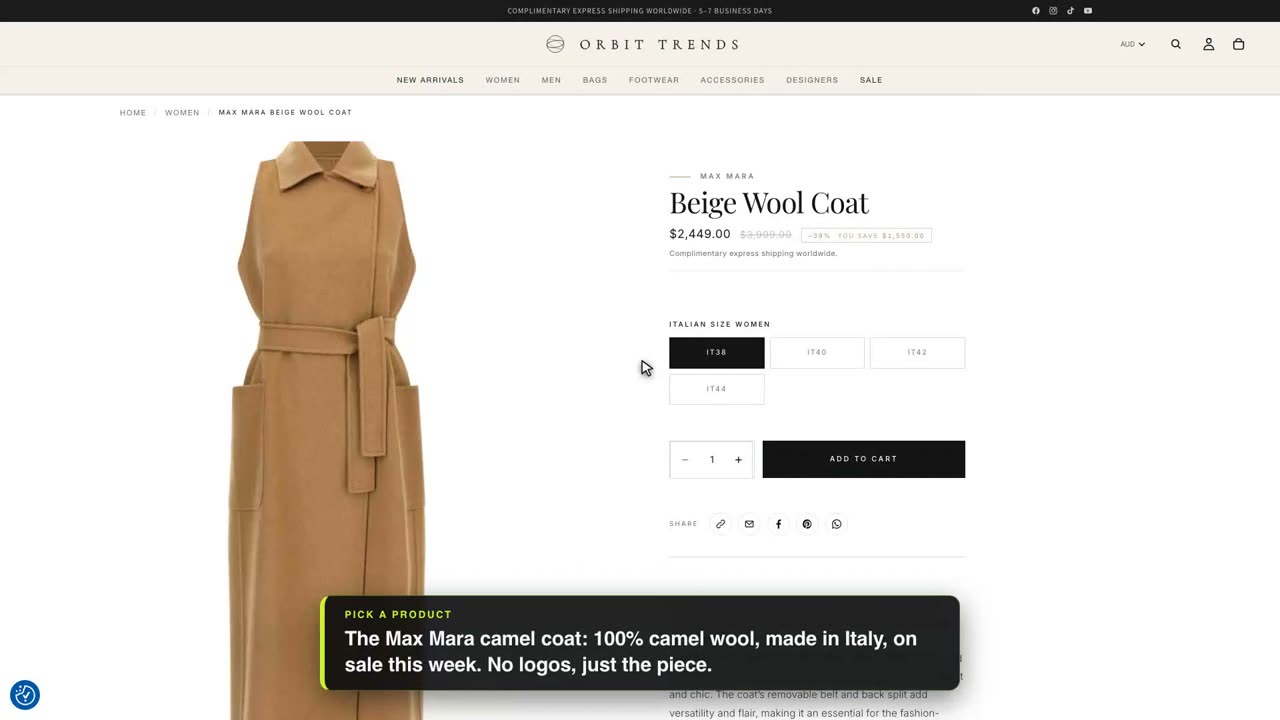
The individual-product flow a Shopify owner will use most. A five-slide slideshow for 52 credits, nothing spent until Make it; then a per-slide product link so the exact coat, not a lookalike, is staged in the boutique's world.
What you'll see
- Say what you want in plain words and paste the link. One plan comes back with the cost.
- Avartan spotted the product link: a five-slide slideshow for 52 credits, and nothing spent yet.
- Auto picked the look, wrote the copy and painted five slides in the boutique's visual world.
- Want the exact coat in this one? Give the slide its product link.
- The actual coat, staged in the boutique's world. 10 credits per repaint, and the copy stays put.
On your phone
Three reels, 9:16, recorded on a real boutique.
The overview in 84 seconds, creating an AI presenter with a consistent face and voice, then putting her on camera in a talking-head post.
Seen enough? Your first post is on us.
55 free credits is about one full five-slide post. No card, cancel whenever.